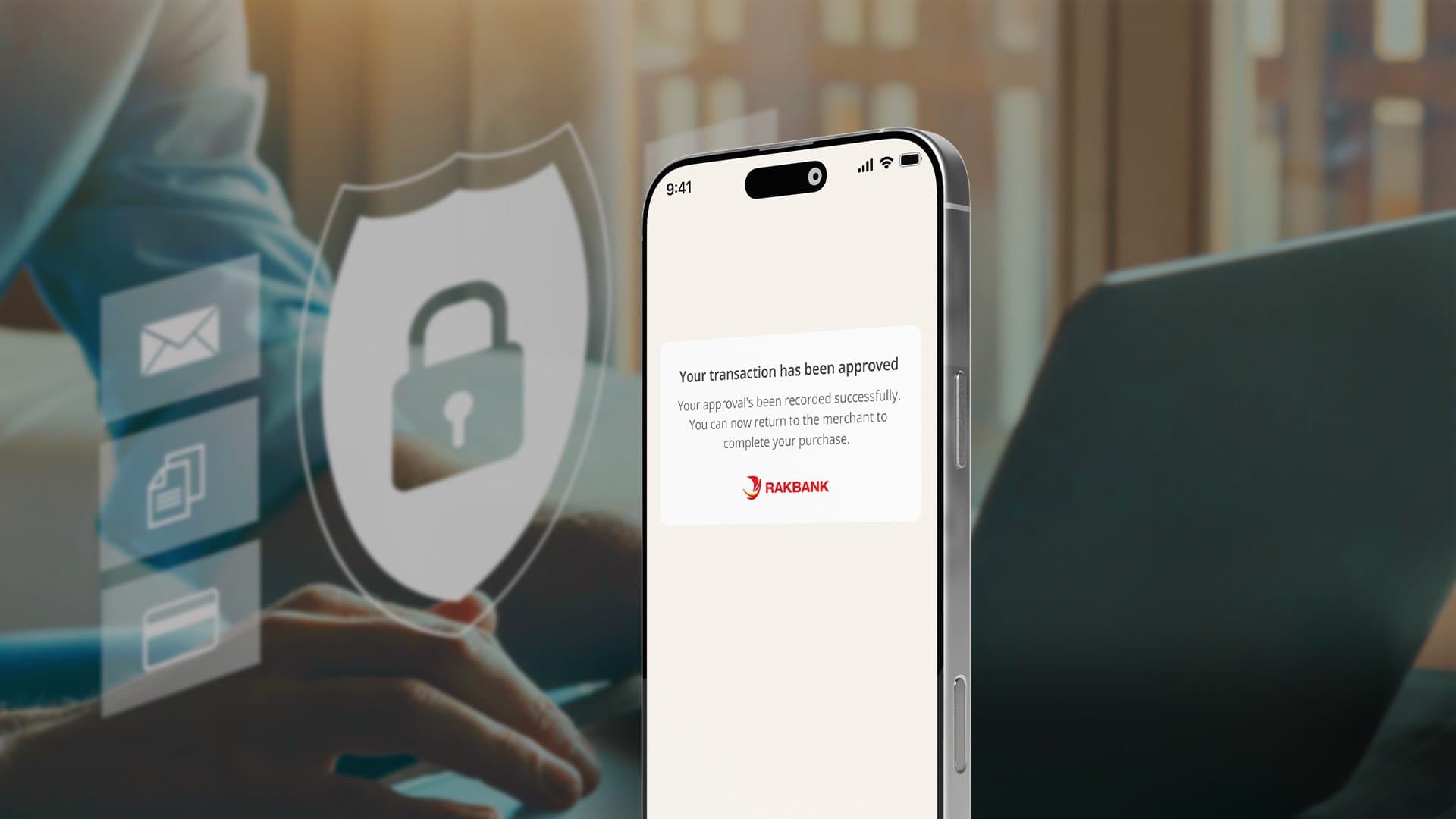



We’re enhancing your security. Soon, you’ll approve online Business Debit card transactions directly in the RAKBANK Business App with secure notifications.
Please make sure notifications are turned on for the RAKBANK Business App in your device settings.
If you haven’t received a notification, follow these quick steps:
Open the RAKBANK Business App and go to “Approve Card Payment.”
Log in to your account and select the transaction listed under Pending Transactions.
Review the transaction details displayed on your screen.
Tap “Approve,” enter your RAKToken PIN, and complete the approval.
Doing this now ensures uninterrupted and secure transactions when in-app approvals go live.
It’s coming soon. We’ll notify you in-app and via our usual channels before it takes effect.
Yes. You’ll approve them inside the RAKBANK Business App instead of entering an SMS OTP.
If you are not registered on RAKBANK App or don’t have access to your device, you will receive an OTP via SMS to authenticate your transaction.
Please download and register now to avoid disruption when the change goes live.
Yes. Push notifications must be enabled so you can receive approval prompts.
Simplify your banking experience with our feature-rich app. From payments to payroll, our comprehensive Banking Solutions provide everything you need to manage your business finances from one secure and easy-to-use platform.

Secure In-App Transaction Approvals | RAKBANK Business App