
Accessibility menu is on
MobileCash

MobileCash

Withdraw cash from our ATMs when you need it – without a card

The next-level ATM experience

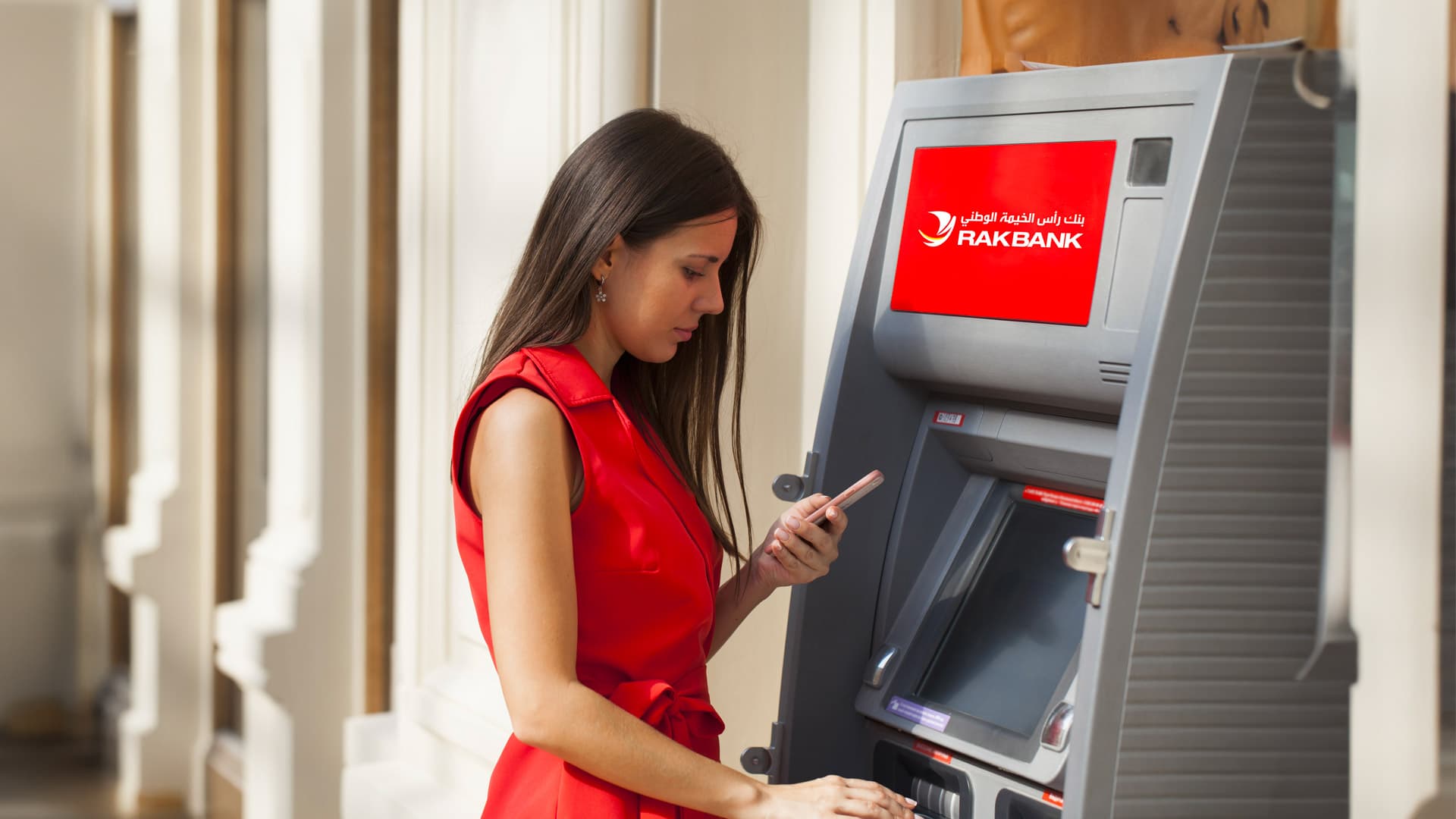
With MobileCash, we’re upping our seamless banking features. Withdraw cash or have any beneficiary withdraw it for you from any RAKBANK ATM without even touching your Debit Card.

What is MobileCash?

What is MobileCash?

MobileCash is our cardless cash withdrawal feature. This service on the RAKBANK App enables you or a beneficiary to withdraw cash from any RAKBANK ATM without using your RAKBANK Debit Card.

info

How Does It Work?

To use MobileCash:

  • Login to the RAKBANK App
  • Click the ‘Payments & Transfers’ button at the bottom of the screen
  • Tap 'Send Money' then click ‘MobileCash’
  • To withdraw money for yourself, choose 'Self' or choose 'Beneficiaries' to send money to someone else
  • Select the account you wish to withdraw from and enter the amount on the screen
  • A One-Time Password (OTP) will be sent as an SMS to your registered mobile number

To withdraw:

  • Visit any RAKBANK ATM
  • Press the 'Enter' button
  • Select 'MobileCash'
  • Type in the OTP, then enter the amount
  • Receive your cash instantly. It's that easy!

Who Can Use MobileCash?

Any customer with an active RAKBANK Account and active Digital Banking access can use the MobileCash service.

If you’re sending money to a beneficiary, they’ll need a valid UAE mobile number.

MobileCash is a secure service. It can only be initiated after succesful login to Digital Banking (app or web). Thereafter a MobileCash code is sent only to the registered mobile no. (self or beneficiary). The withdrawer has to enter the MobileCash code & exact amount related to the code to succesfully withdraw the amount. Additionally an SMS confirmation is sent to the initiator upon succesful MobileCash withdrawal.
There are no charges for usage of the MobileCash service.
You can withdraw a maximum of 9,000 per day above your assigned Debit Card withdrawal limit using the MobileCash service. Please bear in mind that if you cancel a MobileCash request, that particular MobileCash amount limit will be consumed for that day and you will only be able to withdraw for the remainder of the daily limit.

The MobileCash code is valid for only 24 hours from the time of request. You will have to re-initiate the request once the code has expired.

If your MobileCash code has expired, you will need to initiate a new request through RAKBANK Digital Banking (app or web).

You can cancel a MobileCash code via the following steps:

  1. Log into the RAKBANK App
  2. Tap the Menu button on the top left corner of the screen
  3. Click Transaction History and then click MobileCash
  4. Tap the transaction to cancel and then select Cancel Payment

We’re here to help

RAKBANK App

Bank on the go anytime, anywhere

Discover the RAKBANK App and enjoy cutting-edge Digital Banking services at your fingertips. Seamlessly manage your accounts, conduct secure transactions, and enjoy a range of innovative features – all in one user-friendly platform.


test1App StoreApp Store
expand_more
visibility_offAccessibility