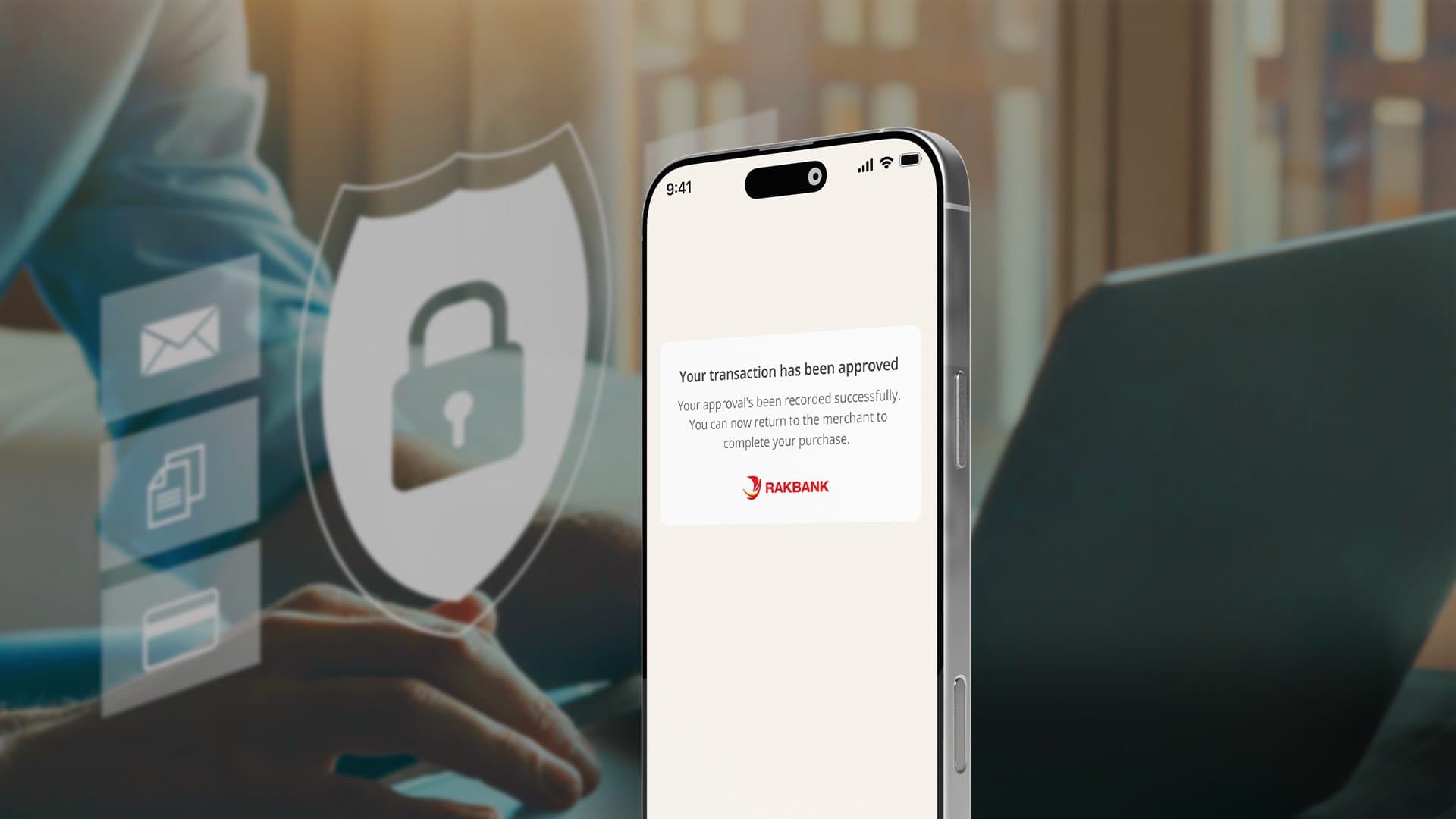



Soon, you’ll confirm your online card transactions in the RAKBANK App using a notification for a safer experience.
Remember:
Make
sure push notifications are enabled in your phone settings, so you never miss an
approval request. If you need help with enabling push notifications, refer
below section on How to enable Push Notifications
To keep your online payments running smoothly, register for Digital Banking in the RAKBANK App today:
Set up today to keep your transactions secure and uninterrupted.
We’re making your online card transactions more secure. Instead of receiving an OTP via SMS or email, eligible customers can now approve transactions directly through the RAKBANK App.
Make sure you are registered for the RAKBANK App and also have push
notifications enabled on your phone to receive approval requests from
the app for your online card transactions.
Refer to the
Get set up today and How to enable Push
Notifications section above in case you have any questions.
If you are not registered on RAKBANK App, you’ll still receive an OTP via
SMS. However, we recommend registering for Digital Banking to enjoy
faster and safer approvals.
The OTP via SMS will remain enabled
during the initial roll out but will be phased out eventually.
All primary credit or debit cardholders who are registered for RAKBANK
App will be able to approve transactions via the RAKBANK
App.
All supplementary and pre-paid cardholders will
continue to receive OTPs via SMS.
In that case, open the RAKBANK App on your phone and on the home page,
under the “Log in” button, click More Options ➜
Pending Transaction and then Approve
Transaction by logging in.
You'll have 250
seconds (about 4 minutes) to approve. If not approved in time, the
transaction will fail.
The transaction will be cancelled immediately, and the merchant will be notified.
You will have 250 seconds (around 4 minutes) to approve a transaction.
No. Only new online transactions requiring 3DS authentication will be impacted.
If you run into any issues or need help, just start a chat with us in the RAKBANK App. Our team is here to assist you.
Discover the RAKBANK App and enjoy cutting-edge Digital Banking services at your fingertips. Seamlessly manage your accounts, conduct secure transactions, and enjoy a range of innovative features – all in one user-friendly platform.


Secure In-App Transaction Approvals | RAKBANK App